 CHAT
CHAT Shield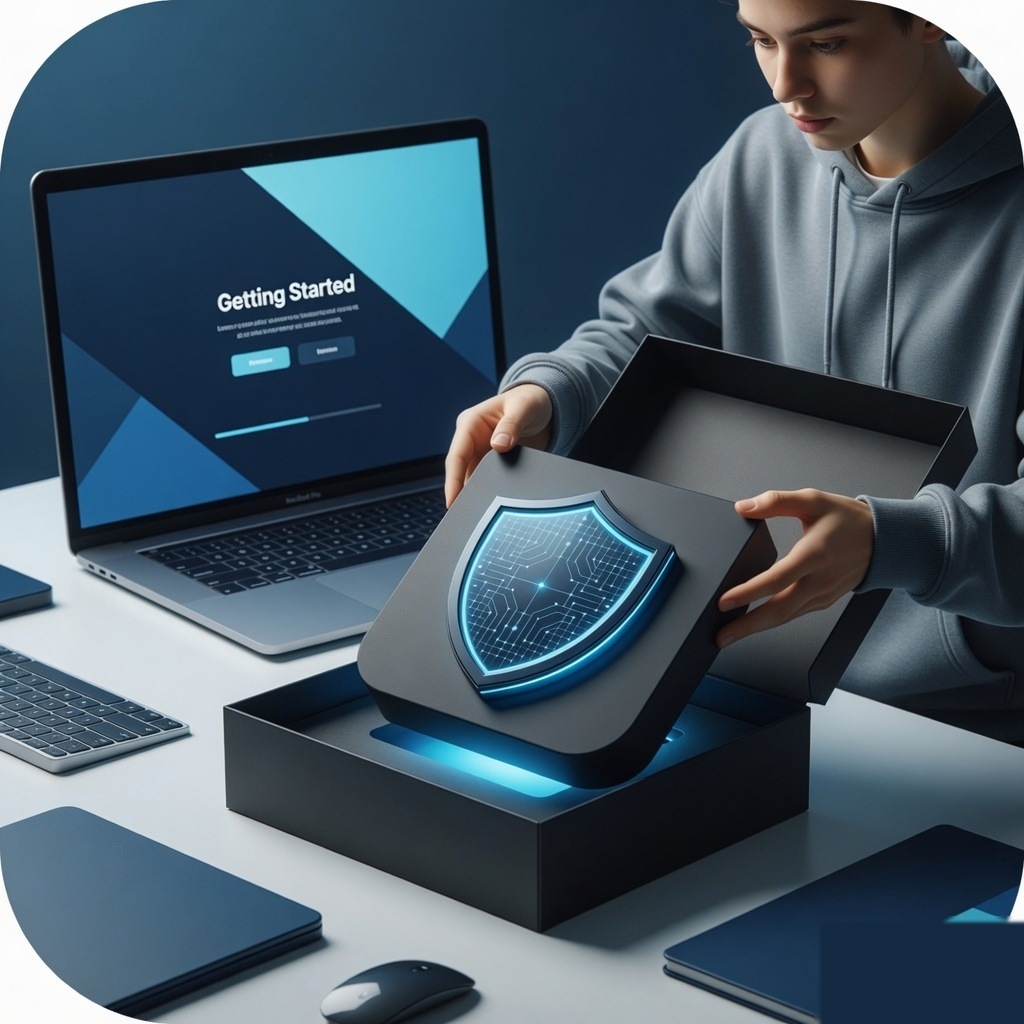
Install on Mac
Open the Shield app from Applications. It stays in the Dock and shows the dashboard at https://memetorrent.futuret3ch.com.au/shield.
Self-heal, Refresh, Guide, and the cog are in the top right on every page.
Live grid and live tracking are core features, not add-ons.
What you get
Install on Mac is part of Shield on Mac, Windows, iPhone companion, Android, and the browser extension. Live grid and live tracking stay in Pro. Business adds site-wide network tools for offices with messy Wi-Fi, unknown devices, and hijacked DNS.
How to open it
1. Open Shield on this device (Dock app on Mac).
2. Top right: Self-heal, Refresh, Guide, Settings.
3. Use Back to return to the page you came from.
4. Public hub: https://memetorrent.futuret3ch.com.au/shield
5. Help center: https://memetorrent.futuret3ch.com.au/shield/help
Tips
- utun and awdl belong to this Mac. They are not extra phones.
- Street on the live map follows the selected pin.
- Family Link is always visible on the child's device.
- iPhone does not run a full-disk antivirus.
- Panic lock only affects this device.
Billing
Personal Pro is $30 / month or $250 / year. Business: 1 seat $149 / mo, 10 seats $990 / mo, 25 seats $1,990 / mo. Extra seats available. PayID is available. Credit cards, Send, and all other billing are coming soon.
Contact
- Product: support@futuret3ch.com.au
- Safety: safety@futuret3ch.com.au
- Sales: sales@futuret3ch.com.au